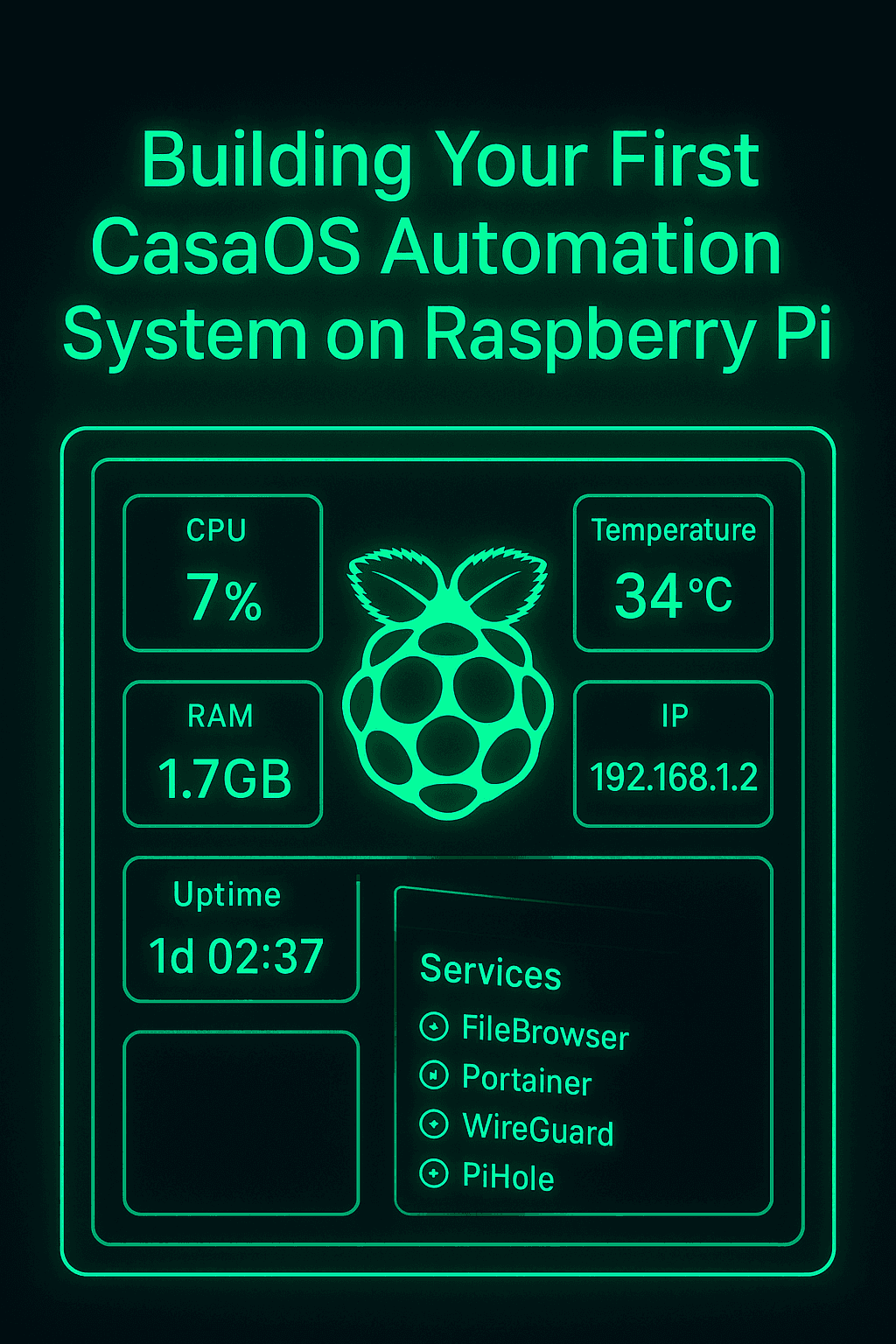
Why CasaOS Became My Main Home Server Platform
After trying multiple server platforms, CasaOS quickly became my favorite.
It’s lightweight, modern, easy to manage, and works perfectly with my Raspberry Pi setup.
The clean UI, Docker integration, and app store make the whole system feel professional and futuristic—exactly the vibe I like for my projects.
1. Setting Up the Raspberry Pi
To start, I installed:
Raspberry Pi OS Lite
CasaOS core
Docker + Docker Compose
Pi updates & dependencies
This gave me a minimal but powerful base for building automated tools and dashboards.
2. Adding My First Essential Apps
Inside CasaOS, I deployed:
FileBrowser — file management
Portainer — container control
HomePage Dashboard — widgets & shortcuts
WireGuard — encrypted access
Uptime Kuma — service monitoring
Each service runs in its own container, making the whole system clean and modular.
3. Creating Automations with Python + Crontab
I wrote simple scripts to handle:
IP change notifications
Temperature monitoring
Disk usage checks
Automatic router restart
Service health checks (Nginx, WireGuard, PiHole, etc.)
Using crontab, each script runs automatically—no manual work needed.
4. Integrating Telegram for Real-Time Alerts
My favorite part of the system is the Telegram bot.
It sends me alerts every time:
the Pi overheats
SSH login attempts happen
the external IP changes
an app crashes or restarts
network uptime drops
This makes the whole setup feel like a real smart server.
5. Building the Visual Dashboard (Agent Emergency Style)
Using a mix of:
CasaOS widgets
Python endpoints
screenshots from my custom UI
Uptime Kuma status cards
I built a clean cyber-dashboard interface inspired by Agent Emergency.
It gives me a live overview of everything running on my network.
6. Final Thoughts
CasaOS + Raspberry Pi is the perfect combo for anyone who wants a modern, modular, and stylish home server.
With the right automations and monitoring tools, it becomes more than just a server—it becomes a personal control center.
This is the system I use daily, and it evolves every week as I add new features, smarter alerts, and more integrations.